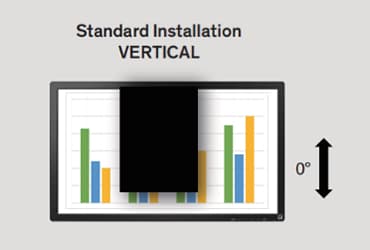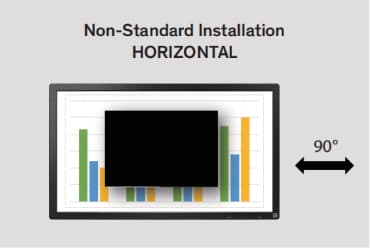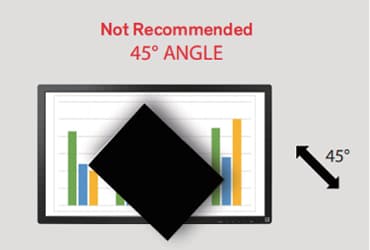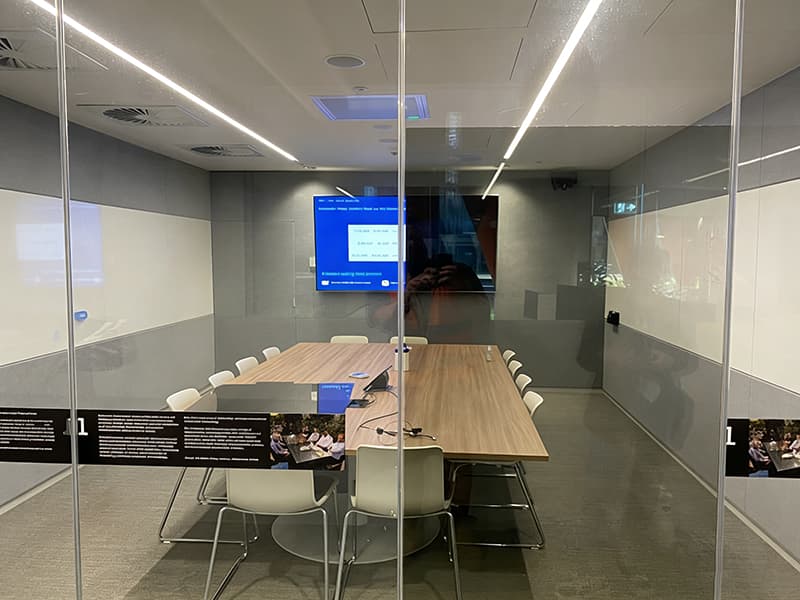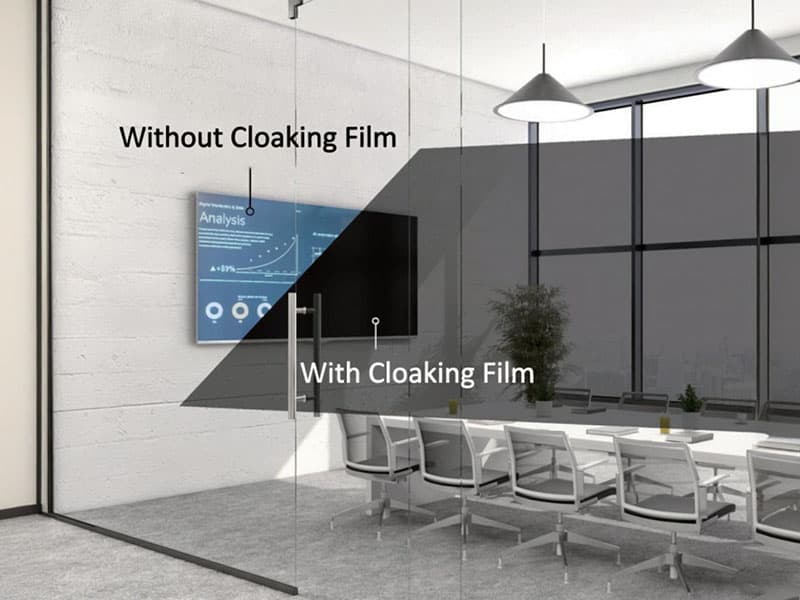
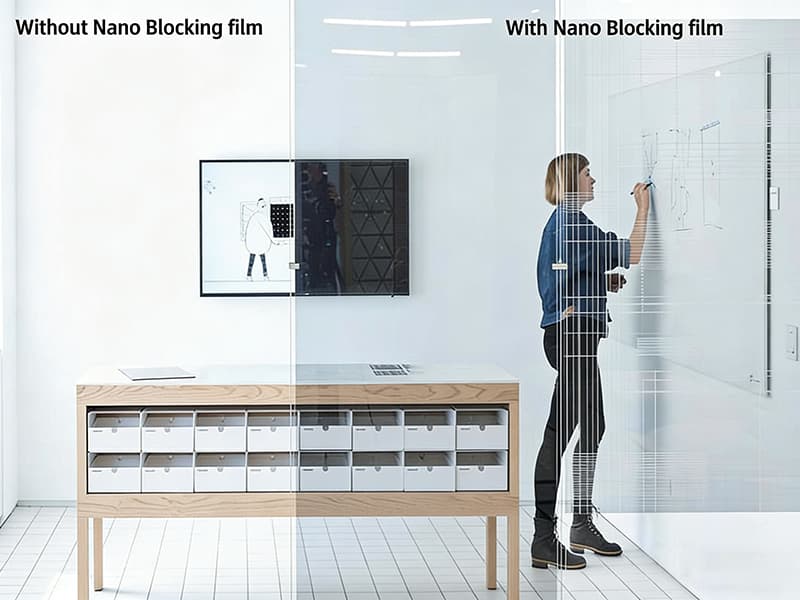
To ensure that a monitor works properly with Cloaking film and to determine the correct installation orientation of the film, use the following validation process:
- Be sure to test the monitor with some of type of image or data being shown.
- Always test Cloaking film while standing in the room with the monitor to be cloaked with nothing between the monitor and the Cloaking film sample.
- Must peel off the protective layer before testing and Adhesive side towards the viewer.
- While standing in front of the monitor to be cloaked, hold a cloaking film sample vertically and view the monitor.
– If the information on the monitor can’t be seen, then the technology is compatible with Cloaking film when it is installed vertically at 0°.
– If the information on the monitor is clearly visible, try rotating the memo 90° so it is horizontal.
– If when the memo is rotated 90° the information on the monitor can’t be seen, then the technology is compatible with Cloaking film when installed horizontally at 90°.
– If the monitor DOES NOT cloak and the image is clearly visible no matter how the sample is rotated, then the monitor is not compatible with Nano Cloaking film.
– You may find that Cloaking film DOES cloak the information on the screen when held at a 45°, but an installation at this angle is impractical and very expensive due to the difficulty of installation and
large amount of waste.
- Note the direction of intended installation and include this information when planning your Cloaking film application.
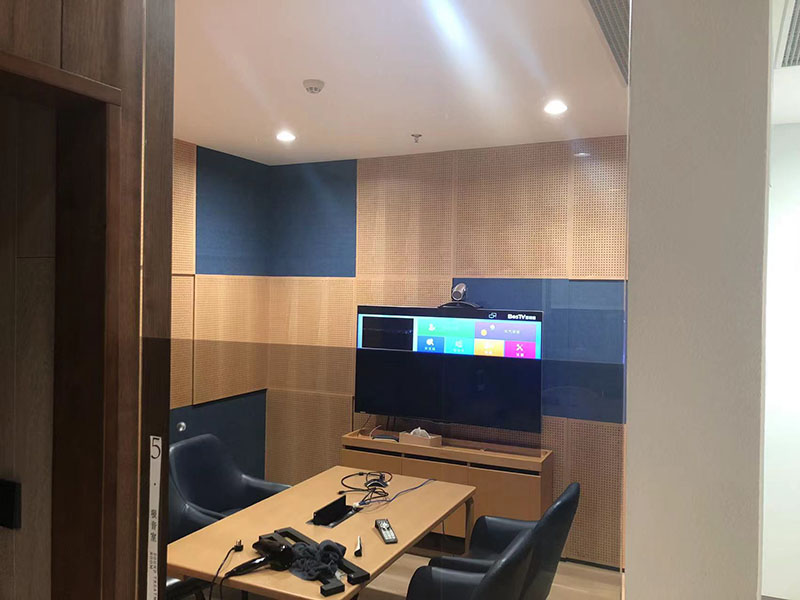
When testing the monitor, everyone put the film in front of the monitor, but when installing on the side glass of the monitor, the film may deviate by 10-20 degrees. Therefore, before installing the film on the side glass, samples should also be taken to test the installation angle.
Therefore, not only does it need to be tested in front of the screen, but the angle also needs to be tested on the final installed glass. When installing, it is necessary to install the film completely according to the tested angle.